
In today's competitive legal landscape, efficiency isn't just a goal; it's a prerequisite for growth and client satisfaction. The right technology stack can transform a law firm's operations, shifting the focus from administrative burdens to high-value legal work. At the core of this transformation lies your legal practice management software, a central hub that organizes cases, manages client communication, tracks billable hours, and streamlines workflows. Selecting the best platform is a critical decision that directly impacts profitability and scalability.
However, the market is saturated with options, each claiming to be the ultimate solution. This guide is designed to cut through the marketing noise and provide a clear, practical analysis. We will deliver a detailed, side-by-side comparison of the top case management systems for lawyers, focusing on real-world applications, specific use cases, and honest assessments of their limitations. Whether you're a solo practitioner, a partner at a mid-sized firm specializing in P&C claims, or a leader in a large firm handling complex litigation, this resource is built for you.
We've done the heavy lifting to help you make an informed choice. Below, you will find in-depth reviews of 12 leading platforms, including Clio, MyCase, Filevine, and Wamy. Each analysis covers:
Core features and unique strengths.
Ideal firm profile and practice area focus.
Pricing structures and potential hidden costs.
Integration capabilities with other essential tools.
Every entry includes screenshots for a visual feel and direct links to explore further. Our goal is to equip you with the insights needed to select a case management system that not only solves today's challenges but also supports your firm's future growth.
1. Wamy
Wamy is an AI-powered claims intelligence platform specifically engineered for the property and casualty (P&C) insurance and legal sectors. It transforms the traditionally manual, often chaotic process of claim intake and evidence management into a streamlined, structured, and auditable workflow. For law firms dealing with subrogation, third-party liability, or catastrophic event claims, Wamy serves as a powerful front-end to traditional case management systems, accelerating pre-litigation analysis and resolution.
The platform automatically centralizes claim documents from various sources like email inboxes, client portals, and direct uploads into a unified workspace. This feature alone eliminates significant administrative overhead. What truly sets Wamy apart is its domain-trained AI, the "Evidence Refinery," which intelligently tags and categorizes everything from photos and PDFs to complex legal forms based on their relevance to the claim, turning hours of manual triage into a task completed in minutes.

Key Differentiators and Use Cases
Wamy’s core strength lies in its ability to provide a contextual first-pass analysis almost instantly. The proprietary ClaimScore™ offers an immediate risk assessment, highlighting the strengths and weaknesses of a file from the moment it's created. This allows legal teams to prioritize high-risk or high-value cases efficiently. Its Gap Detection capability proactively flags missing evidence or inconsistencies, empowering lawyers and paralegals to resolve issues before they cause costly delays or impact litigation outcomes.
Practical applications include:
Accelerated Pre-Litigation: Firms can process and evaluate a higher volume of claims, determining viability for litigation up to 4x faster.
Enhanced Negotiation: The built-in AI Document Drafting and Wamy Companion assistants help generate demand letters, settlement offers, and escalations, grounded in the structured evidence within the file.
Scalable Operations: Law firms can significantly lower the cost per claim without increasing headcount, thanks to reported efficiency gains like 77% faster document collection.
Pros and Cons
Strengths | Limitations |
|---|---|
Drastic Efficiency Gains: Reported up to 4x faster claim resolution and 77% faster document collection. | Opaque Pricing: No public per-user pricing; requires a sales discussion to determine cost based on volume. |
Domain-Specific AI: The system understands legal and insurance context, providing relevant risk scores and gap analysis. | Human Oversight Required: The AI provides a powerful first pass but is not a substitute for expert legal review. |
End-to-End Workflow: Manages everything from automated intake and evidence tagging to AI-assisted drafting and negotiation. | Niche Focus: Highly specialized for P&C claims, making it less suitable for other areas of legal practice. |
Enterprise-Ready: SOC 2 certified and HIPAA-ready, with rapid implementation times (often under one week). | |
Flexible Add-Ons: Optional features like U.S. court notifications and aerial imagery are available via a credit-pack system. |
Who is Wamy Best For?
Wamy is an exceptional choice for law firms, third-party administrators (TPAs), and insurance carriers that handle a high volume of P&C claims. Its focus on automating the initial, most time-consuming phases of claim processing makes it an invaluable tool for legal operations leaders aiming to create consistent, scalable, and audit-ready workflows.
Website: https://www.wamy.com
2. Clio
As one of the most established cloud-based case management systems for lawyers, Clio has built a reputation as a comprehensive, all-in-one solution. Its flagship product, Clio Manage, combines case organization, document management, billing, and client communication into a single, unified platform. It's particularly well-suited for small to mid-sized firms looking for a mature ecosystem that can scale with their growth.
Clio stands out due to its extensive integrations marketplace, offering connections to over 250 third-party applications like QuickBooks, Zoom, and Microsoft 365. This allows firms to create a customized tech stack centered around their core practice management software. The platform’s robust mobile apps for iOS and Android provide full functionality on the go, a critical feature for modern legal professionals.
Key Features and Pricing
Feature | Description | Availability |
|---|---|---|
Unified Platform | Combines case management, billing, time tracking, and client portal. | All tiers |
Clio Payments | Integrated payment processing, including credit card and eCheck options. | All tiers |
Integrations | Extensive app marketplace to connect with hundreds of other tools. | All tiers |
Mobile Apps | Fully featured iOS and Android apps for managing your practice anywhere. | All tiers |
Pricing for Clio is tiered, starting with the EasyStart plan at $39/user/month (billed annually), which covers basic case management and billing. The Essentials, Advanced, and Complete tiers add more advanced features like custom fields, API access, and business analytics.
Practical Tip: To maximize efficiency, leverage Clio's deep integration with time tracking tools. Properly configured time and expense tracking is fundamental to profitability, and Clio's system simplifies this process significantly. Learn more about effective time tracking for lawyers on wamy.com to see how it can boost your firm's billable hours.
Pros: Mature and reliable platform, industry-leading integrations, and excellent mobile functionality.
Cons: The sheer number of features can present a steep learning curve, and detailed pricing for higher tiers requires a sales consultation. Surcharging for payments is also restricted in certain U.S. states.
Website: https://www.clio.com
3. MyCase
MyCase offers an end-to-end case management system designed with user-friendliness and transparent pricing at its core. It provides a comprehensive suite of tools, including case and matter management, a secure client portal, integrated e-signatures, client intake forms, and billing. Its straightforward approach makes it an excellent choice for solo practitioners and small to mid-sized firms looking for a powerful yet accessible solution without a steep learning curve.
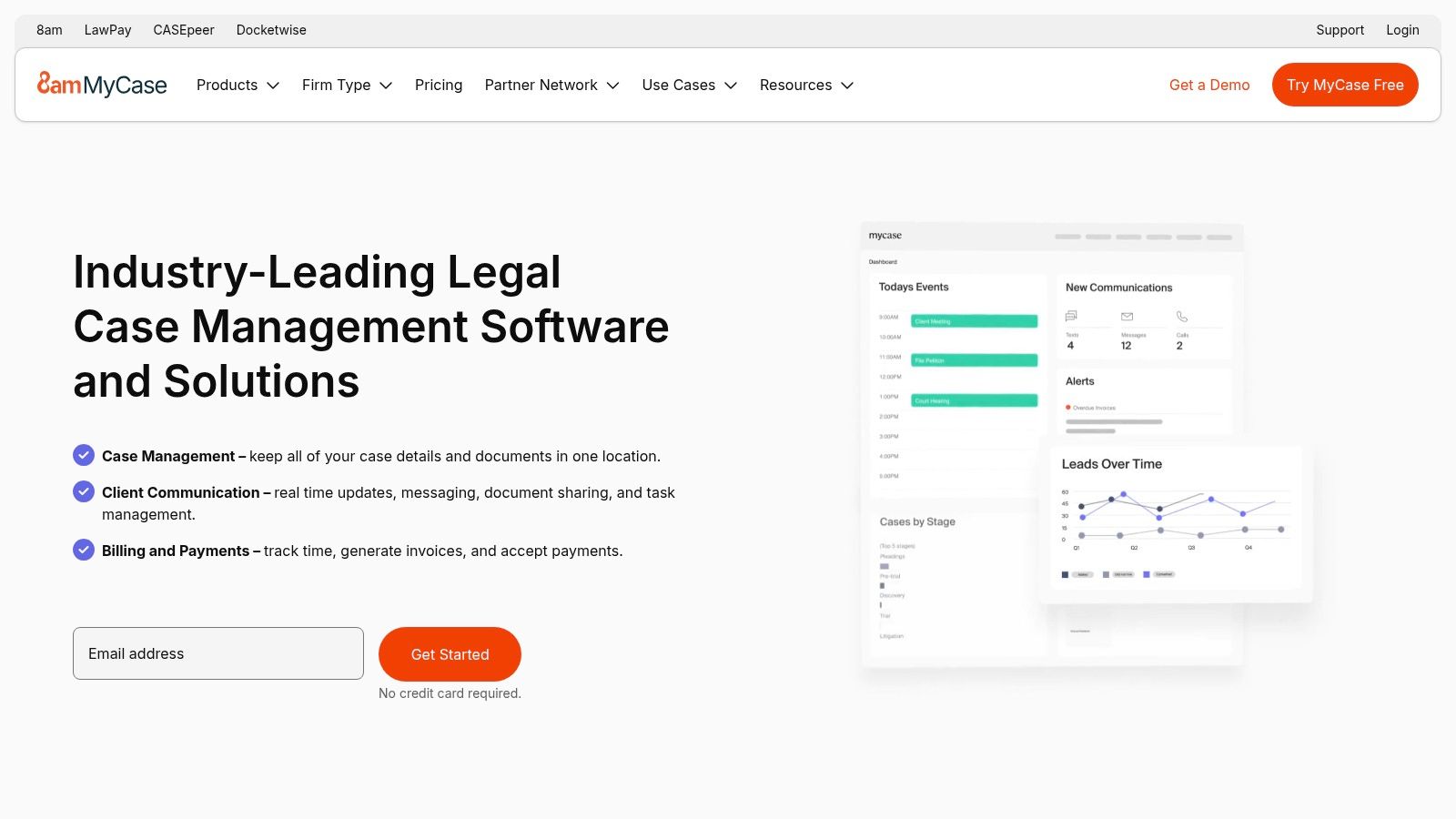
What sets MyCase apart is its transparent, all-in-one model and its native payment processing, powered by LawPay. This integration simplifies billing and collections by providing a seamless experience for both the firm and its clients. The platform also offers optional, but tightly integrated, add-ons like MyCase Accounting and a professional website builder, allowing firms to expand their operational toolkit within a single, familiar ecosystem.
Key Features and Pricing
Feature | Description | Availability |
|---|---|---|
All-in-One Platform | Core features include case management, client portal, and e-signatures. | All tiers |
Integrated Payments | Native payment processing powered by LawPay with clear fee structures. | All tiers |
Optional Add-Ons | Expand functionality with MyCase Accounting or a website builder. | Paid Add-on |
Transparent Tiers | Clearly defined plan levels to match a firm's needs and budget. | All tiers |
Pricing for MyCase is published and tiered. The Basic plan starts at $39/user/month (billed annually), covering core case management needs. The Pro and Advanced tiers introduce more sophisticated features like advanced document management and open API access to enhance firm operations.
Practical Tip: Take full advantage of MyCase's client portal to streamline communication. By training clients to use the portal for document sharing and messaging, you can significantly reduce administrative overhead from phone calls and emails, while creating a secure, documented communication history for every case.
Pros: Straightforward onboarding and extensive training resources, competitive and clearly published plan prices.
Cons: Advanced features like open API and sophisticated document management are reserved for higher-priced tiers, and key capabilities like accounting and a website are paid add-ons.
Website: https://www.mycase.com
4. PracticePanther
PracticePanther positions itself as an intuitive, user-friendly case management system designed to streamline law firm operations. This cloud-based platform integrates core functionalities like case management, billing, time tracking, and client communication, making it a strong contender for solo practitioners and small to mid-sized firms seeking an accessible yet powerful solution. The software emphasizes automation and ease of use, aiming to reduce administrative overhead and improve efficiency.
What sets PracticePanther apart is its commitment to transparency and user empowerment. The platform offers clear, publicly available pricing tiers and provides extensive training and certification resources to help users master its features. Its native payment processing (PantherPayments) and built-in eSignature capabilities create a seamless workflow, allowing firms to manage the entire client lifecycle from intake to final payment within a single ecosystem.
Key Features and Pricing
Feature | Description | Availability |
|---|---|---|
Automation Tools | Automate workflows, tasks, and document generation to save time. | All tiers (advanced features in Business) |
PantherPayments | Native payment processing for credit cards, debit, and eCheck. | All tiers |
Client Portal | Secure portal for client communication, document sharing, and invoicing. | All tiers |
Native eSignature | Built-in functionality to send and receive legally binding eSignatures. | Business tier |
PracticePanther offers a free-for-life Solo plan, limited to three clients and three matters. Paid plans start with the Essential tier at $49/user/month (billed annually), which includes core features. The Business plan adds advanced automations, native eSignature, and more robust reporting capabilities.
Practical Tip: Use PracticePanther's intake form feature to automate client onboarding. By embedding custom forms on your website, you can capture new lead information directly, create a new contact and matter, and trigger a task list automatically, significantly reducing manual data entry.
Pros: Clear and transparent pricing, helpful training and certification resources, and a free-for-life solo plan for very small practices.
Cons: Some key automation and integration features are reserved for the more expensive Business tier, which may be necessary for firms looking for full functionality.
Website: https://www.practicepanther.com
5. Rocket Matter
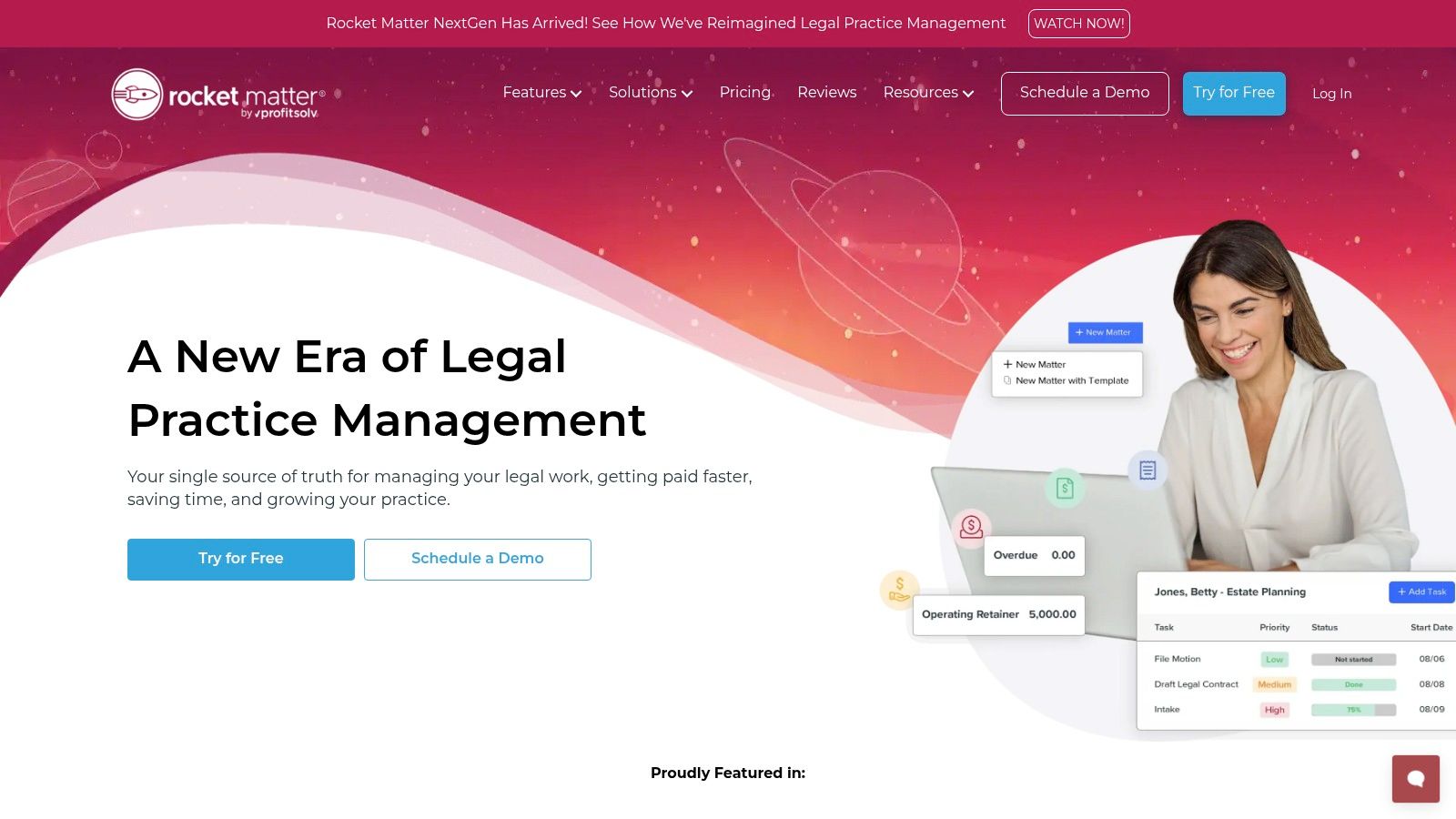
As one of the original cloud-based case management systems for lawyers, Rocket Matter provides a mature platform focused heavily on billing, payments, and financial management. It’s designed for firms that prioritize streamlined financial workflows and transparent pricing. The system integrates core practice management functions with robust tools for time tracking, invoicing, and payment processing, making it a strong contender for firms looking to optimize their revenue cycle.
Rocket Matter stands out with its clear, tiered pricing structure and an online ROI calculator that helps firms estimate potential savings before committing. Its emphasis on built-in payment processing, Rocket Matter Pay, simplifies collections and improves cash flow. For firms dealing with corporate clients, the availability of LEDES/e-billing on higher tiers is a significant advantage, automating compliance with complex billing requirements.
Key Features and Pricing
Feature | Description | Availability |
|---|---|---|
Integrated Billing | Combines time tracking, invoicing, and payment processing in one system. | All tiers |
Rocket Matter Pay | Built-in payment solution for credit card and eCheck payments. | All tiers |
LEDES/E-Billing | Supports electronic billing formats for corporate and insurance clients. | Pro tier and up |
ROI Calculator | An online tool to help firms estimate their return on investment. | Available on website |
Rocket Matter offers four transparently priced tiers, billed annually per user. The Essentials plan starts at $49/user/month and provides core practice management. The Pro, Premier, and Elite tiers progressively add advanced features like e-billing, business intelligence, and advanced reporting.
Practical Tip: Use Rocket Matter’s robust reporting and analytics features to monitor your firm's financial health. Regularly review metrics like realization and collection rates to identify bottlenecks in your billing cycle and improve overall profitability.
Pros: Transparent annual per-user pricing tiers, longstanding customer support recognition, and strong financial management tools.
Cons: Published prices are annual-billing focused; month-to-month options are not emphasized. Add-on services like CRM and websites incur separate fees.
Website: https://www.rocketmatter.com
6. CosmoLex
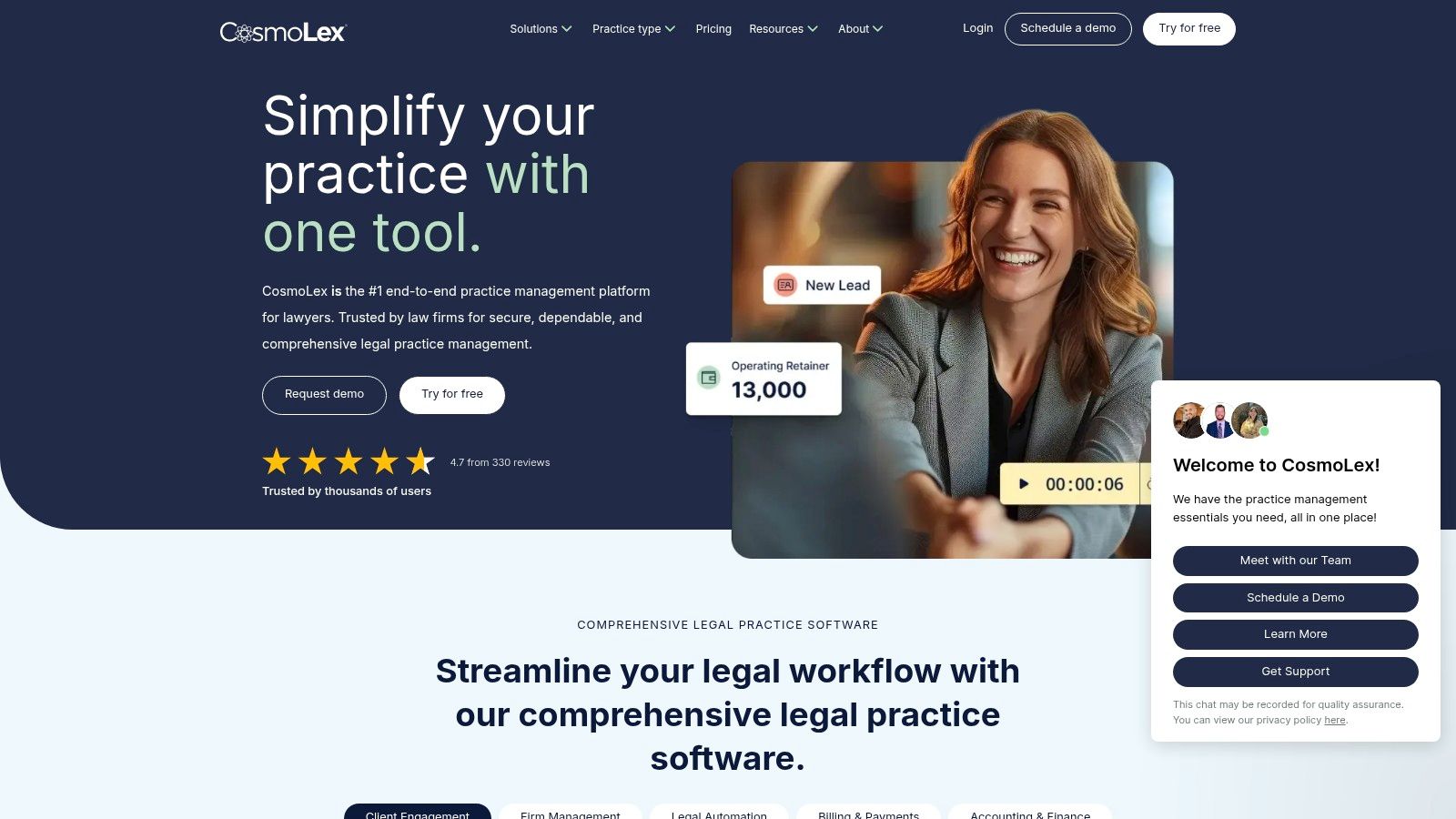
CosmoLex positions itself as a truly all-in-one solution by uniquely integrating legal practice management, billing, and a complete, compliant legal accounting system into a single platform. This native approach eliminates the need for separate accounting software like QuickBooks, which is a major differentiator. It's built for law firms that want to simplify their tech stack and ensure trust account compliance is managed within the same system as their cases.
The platform's strength lies in its unified back-end, where every transaction, from time entries to client payments, is automatically posted to the correct general ledger and trust accounts. This significantly reduces the risk of human error and simplifies the reconciliation process. With robust case management, a secure client portal, and comprehensive reporting dashboards included in its base plan, CosmoLex is an excellent choice among case management systems for lawyers who prioritize financial management and compliance.
Key Features and Pricing
Feature | Description | Availability |
|---|---|---|
Integrated Legal Accounting | Native trust and operating accounting eliminates the need for third-party software. | All tiers |
Unified Platform | Combines case management, billing, payments, and accounting in one system. | All tiers |
Secure Client Portal | Allows for secure communication, document sharing, and invoice payments with clients. | All tiers |
Reporting Dashboards | Provides insights into firm productivity, collections, and financial health. | All tiers |
CosmoLex pricing is straightforward, typically starting around $89/user/month (billed annually). It's worth noting that the best pricing is often found on promotional pages, and they frequently offer discounts through partnerships with various bar associations.
Practical Tip: Before migrating, take full advantage of the CosmoLex trial period to run a few client matters from start to finish. Focus specifically on the trust accounting workflow, from depositing retainers to paying invoices, to see how it simplifies your current process and reduces duplicate data entry.
Pros: Removes the need for a separate accounting package, simplifies trust account management, and offers a straightforward trial and subscription process.
Cons: Best published pricing may be on campaign-specific pages, so confirm exact inclusions; some advanced feature bundles may require a sales consultation.
Website: https://www.cosmolex.com
7. Filevine
Filevine positions itself as a robust case management system for lawyers, particularly those in personal injury and litigation-heavy practices. Its core strength lies in its modular design, allowing firms to build a customized platform by adding specialized tools like Lead Docket for intake, Vinesign for e-signatures, and the Outlaw CLM for contract lifecycle management. This makes it highly adaptable for firms that want an integrated solution that can expand beyond basic case management.

The platform is notable for its powerful document management capabilities, offering unlimited storage and advanced AI tools designed to streamline workflows. Filevine also emphasizes transparency in its add-on services, such as publishing clear pricing for its integrated payment processing. This modular approach ensures that firms only pay for the specific functionalities they need, creating a scalable and cost-effective ecosystem.
Key Features and Pricing
Feature | Description | Availability |
|---|---|---|
Modular Platform | Core case management with optional add-ons for intake, e-signature, and CLM. | All Tiers (Add-ons separate) |
Unlimited Storage | No data caps for documents, evidence, and case files. | All Tiers |
AI Tools | Integrated artificial intelligence features to assist with case analysis and drafting. | Available as add-ons |
Integrated Payments | Built-in payment processing with transparent, published fees. | Available with core platform |
Pricing for Filevine is customized based on the modules a firm selects. The core case management system is available with a 14-day free trial, but final subscription costs require a consultation to tailor a package to your firm’s specific needs.
Practical Tip: Leverage Filevine's AI capabilities early in the case lifecycle, especially during document review and discovery. The system can help identify key information and automate routine tasks, freeing up valuable attorney time for strategic work. Learn how modern AI tools can transform the legal process on wamy.com from intake all the way to trial preparation.
Pros: Excellent toolset for PI and litigation firms, highly extensible with powerful modules, and multiple AI options.
Cons: Add-ons can significantly increase the total cost, and the customized pricing model makes direct comparisons difficult without a sales call.
Website: https://www.filevine.com
8. CARET Legal (formerly Zola Suite)
CARET Legal, formerly known as Zola Suite, positions itself as a robust, all-in-one platform by integrating comprehensive case management with built-in accounting and advanced analytics. This structure is designed for firms that want to avoid piecing together separate systems for billing, business intelligence, and practice management. It provides a cohesive environment where financial data and case progress are intrinsically linked, offering a clear, real-time view of firm health.
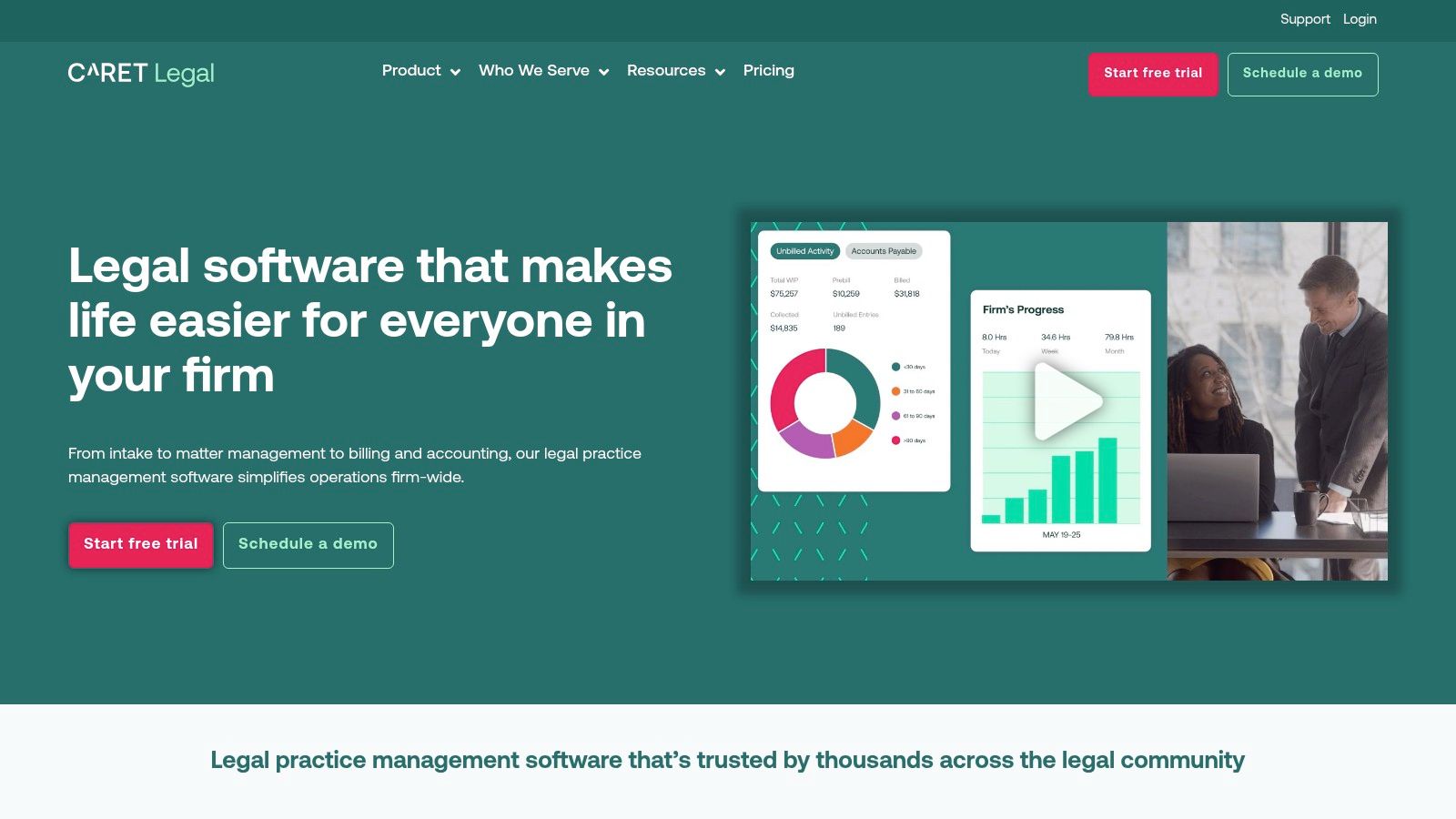
What sets CARET Legal apart is its emphasis on business analytics and fully integrated accounting. While other case management systems for lawyers require integration with third-party tools like QuickBooks, CARET Legal includes its own accounting suite. This native integration simplifies trust accounting, financial reporting, and billing workflows, reducing the potential for data sync errors. The platform’s CARET Analytics dashboards provide data-driven insights, empowering firm leaders to make strategic decisions based on key performance indicators.
Key Features and Pricing
Feature | Description | Availability |
|---|---|---|
Integrated Accounting | Built-in general ledger, trust accounting, and financial reporting. | All tiers |
CARET Analytics | Dashboards and reports for monitoring firm performance and profitability. | All tiers (advanced features in Enterprise Plus) |
Automated Workflows | Create custom, automated task sequences to streamline processes. | Enterprise & Enterprise Plus |
24/7 Support | Always-on customer support included with all published plans. | All tiers |
Pricing is transparently published, starting with the Enterprise plan at $79/user/month (billed annually). The Enterprise Plus tier at $89/user/month adds more advanced features like department-based accounting and API access. Note that one-time implementation fees apply to all new accounts.
Practical Tip: Use the integrated accounting features to run regular profitability reports by practice area or attorney. This can reveal which parts of your business are most successful and where adjustments are needed, a key advantage of having financial data and case data in one system.
Pros: Published pricing with 24/7 support included, strong analytics for data-driven firms, and an all-in-one approach that eliminates the need for separate accounting software.
Cons: One-time implementation fees are required for setup, and some of the most powerful analytics tools are reserved for the highest-priced tier.
Website: https://caretlegal.com
9. Actionstep
Actionstep is a highly configurable, cloud-based practice management platform designed for mid-market and growing law firms that require deep customization. It excels in workflow automation, allowing firms to build and standardize processes for different matter types, from client intake to final billing. This makes it an ideal choice for multi-practice firms needing to enforce consistent procedures across various legal disciplines.
The platform distinguishes itself with its powerful workflow engine and an optional, fully integrated legal accounting suite available in North America. Unlike many other case management systems for lawyers that require third-party accounting software, Actionstep can serve as a single source of truth for both case and financial data. Its reliance on a network of implementation partners ensures firms receive expert guidance during setup, tailoring the system to their unique operational needs.

Key Features and Pricing
Feature | Description | Availability |
|---|---|---|
Configurable Workflows | Build custom, automated workflows for different matter types to ensure consistency. | All tiers |
Integrated Accounting | An optional, full-featured legal accounting module for trust and general ledger. | Available Add-on |
Document Assembly | Automate the creation of complex legal documents using templates and matter data. | All tiers |
Implementation Network | Access to certified partners for customized setup, training, and support. | All tiers |
Pricing for Actionstep is quote-based and requires contacting their sales team, as it depends on the firm's specific needs and the required level of implementation. Be prepared for both per-user licensing fees and a separate cost for the initial implementation and onboarding process.
Practical Tip: When setting up Actionstep, invest time in mapping out your firm's most common processes before meeting with an implementation partner. Having a clear blueprint of your intake, matter progression, and closing workflows will dramatically accelerate the customization process and ensure the final system truly reflects how your firm operates.
Pros: Deep workflow customization and automation ideal for process-driven firms, optional fully integrated legal accounting, and a dedicated partner network for expert implementation.
Cons: Pricing is not transparent and requires a custom quote, and mandatory implementation fees can significantly increase the total cost of ownership.
Website: https://www.actionstep.com
10. Litify
Built on the powerful Salesforce platform, Litify is an end-to-end legal operations platform designed for scalability. It targets larger or rapidly growing firms and in-house legal teams that require deep customization and robust reporting capabilities. Litify combines intake and CRM functionalities with sophisticated matter management, document handling, and billing into one cohesive ecosystem.

What makes Litify one of the more unique case management systems for lawyers is its foundation on Salesforce, which provides unparalleled configurability and reporting power. This makes it particularly well-suited for high-volume practices and multi-office firms that need a system to manage complex workflows and generate detailed business intelligence. Its modular approach allows firms to add extensions for DMS, client portals, and eBilling as needed.
Key Features and Pricing
Feature | Description | Availability |
|---|---|---|
Salesforce-Based Platform | Leverages Salesforce infrastructure for deep customization and reporting. | All tiers |
Intake/CRM & Matter Plans | Integrated tools to manage the entire client and case lifecycle. | All tiers |
LitifyAI | AI-powered features for document review and workflow automation. | Add-on |
Platform Extensions | Optional modules for DMS, billing, eBilling, and client portals. | Add-on |
Pricing for Litify is available only through a direct sales consultation and typically involves a minimum purchase of 10 user licenses and associated setup fees, reflecting its focus on larger organizations.
Practical Tip: Use Litify's robust reporting and dashboard features to track key performance indicators (KPIs) like case acquisition cost, case duration, and settlement values. This data-driven approach, powered by Salesforce, can provide critical insights for strategic business decisions. Discover more about how top firms are leveraging new tools in this overview of legal tech companies to watch on wamy.com.
Pros: Highly configurable on proven Salesforce infrastructure, strong reporting capabilities, and ideal for multi-office and high-volume practices.
Cons: Pricing is not transparent and requires a sales quote, and the mandatory 10-license minimum and setup fees make it inaccessible for smaller firms.
Website: https://www.litify.com
11. Smokeball
Smokeball positions itself as a robust case management system for lawyers focused on maximizing profitability through its standout automatic time tracking feature. Known as AutoTime, this technology passively records a lawyer's activity within the platform, including emails, document creation, and calendar events, and compiles it into timesheet entries. This makes it an excellent choice for firms, particularly in litigation and family law, that struggle with capturing all billable hours and want to improve realization rates.
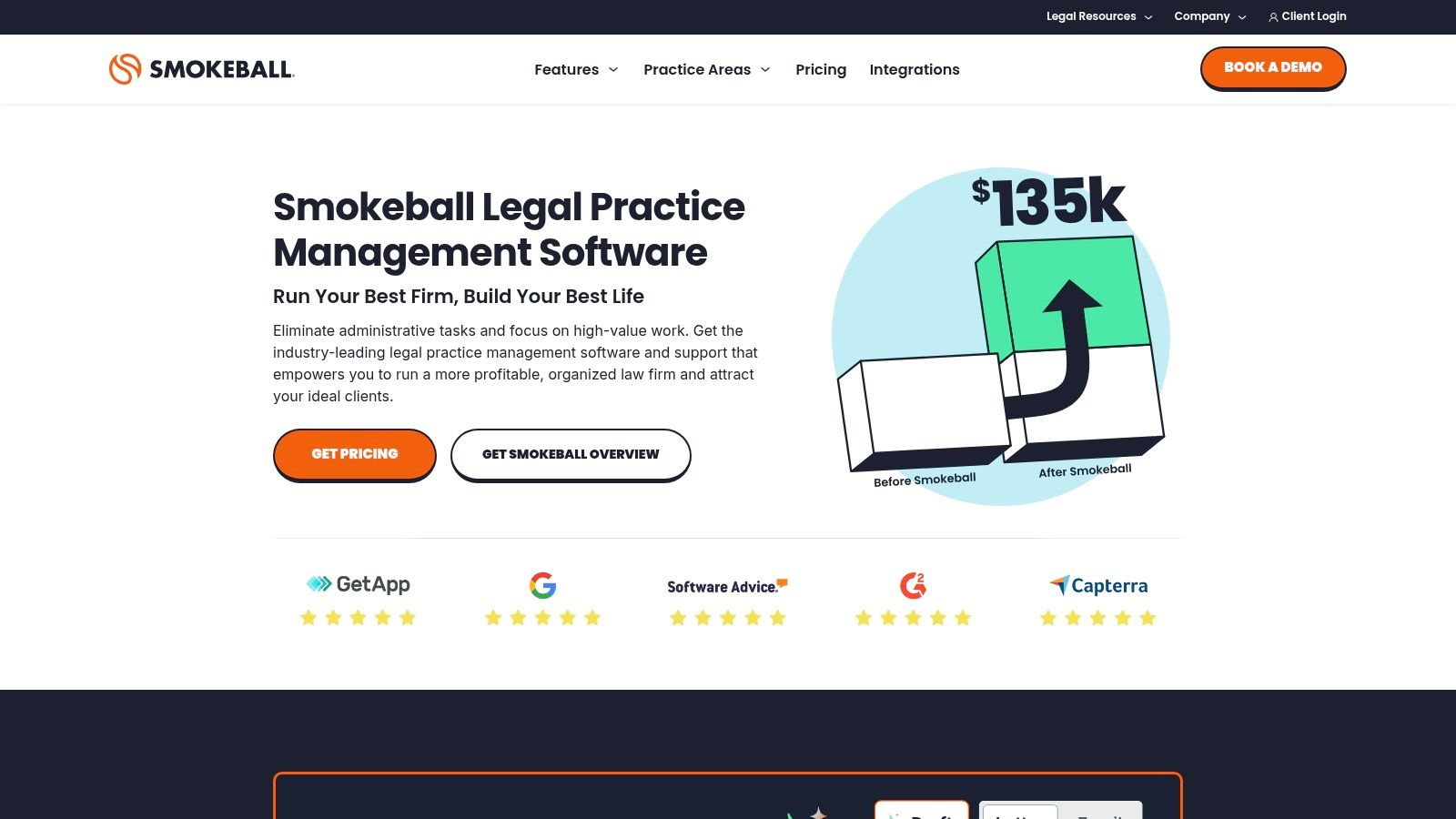
Beyond time tracking, Smokeball excels in document automation and management. It offers a vast library of over 20,000 court and legal forms that can be automatically populated with case data, significantly reducing manual data entry. Its deep integration with Microsoft Word and Outlook allows legal professionals to work within familiar applications while keeping all activity synced to the corresponding matter in Smokeball.
Key Features and Pricing
Feature | Description | Availability |
|---|---|---|
AutoTime Tracking | Automatically captures time and activity for billing accuracy. | Included |
Document Automation | A vast library of legal forms that auto-populate with case information. | Included |
Microsoft 365 Integration | Deep, seamless integration with Outlook and Word for streamlined workflows. | Included |
Smokeball Payments | Integrated payment solution with transparently published rates for cards and ACH. | Included |
Smokeball’s pricing is quote-based and requires a consultation to determine the total cost, which includes implementation and dedicated support. This tailored approach ensures the package fits the firm's specific needs.
Practical Tip: To get the most out of Smokeball, fully commit to its Microsoft Office integration. By managing emails and drafting documents directly from within the integrated environment, you ensure AutoTime captures every minute of your work, transforming previously unbilled administrative tasks into revenue.
Pros: Unique automatic time capture significantly increases billable hours, extensive form library saves time, and clear, published payment processing rates.
Cons: Software pricing is not publicly listed and requires a custom quote, and the implementation and quoting process can vary between firms.
Website: https://www.smokeball.com
12. CASEpeer
For personal injury law firms, CASEpeer offers a specialized case management system built from the ground up to handle the unique workflows of PI cases. Acquired by MyCase, it operates as a dedicated platform focused on optimizing every stage of a personal injury claim, from client intake and medical treatment tracking to negotiating demands and calculating settlement figures. This niche focus eliminates the need for extensive customization that general-purpose systems often require.

CASEpeer distinguishes itself with tools designed specifically for PI attorneys. Features like its litigation calendar, settlement calculator, and integrated medical records management are tailored to the day-to-day needs of a personal injury practice. The platform's emphasis on data-driven reporting helps firms track key performance indicators, such as case value, status, and staff productivity, providing insights to drive strategic decisions.
Key Features and Pricing
Feature | Description | Availability |
|---|---|---|
PI-Specific Workflows | Built-in templates and processes for intake, demands, and litigation. | All tiers |
Medical Treatment Tracking | Centralizes client treatment information, provider details, and balances. | All tiers |
Settlement Tools | Advanced calculators and dashboards to manage settlement negotiations. | All tiers |
Robust Reporting | Detailed reports on case status, firm performance, and marketing ROI. | All tiers |
Pricing for CASEpeer is provided after a personalized demo, ensuring the plan is tailored to the firm's size and needs. The company is known for its strong focus on customer success, offering free training and support to help firms get the most out of the software.
Practical Tip: Use CASEpeer's reporting dashboard to monitor your marketing efforts. By tracking the source of every lead and client, you can identify which marketing channels are generating the most valuable cases and adjust your strategy accordingly for better ROI.
Pros: Highly tailored to personal injury firms, reducing setup burden, and includes strong customer success focus with free training resources.
Cons: Exact plan pricing is provided via a sales demo rather than being listed publicly, and specific promotions may have eligibility requirements.
Website: https://www.casepeer.com
Top 12 Legal Case Management Comparison
Product | Core focus / Key features | Target audience | Key benefits / USPs | Pricing & onboarding |
|---|---|---|---|---|
Wamy (Recommended) | AI claims intake, Evidence Refinery (auto-tagging), Risk Intelligence ClaimScore™, Gap Detection, AI assistants, optional aerial/court/inspection add‑ons | P&C carriers, TPAs, adjusters, legal teams handling claims | Up to 77% faster doc collection, up to 4x faster resolution; audit‑ready outputs; SOC 2 & HIPAA‑ready; fast onboarding (<1 week) | Volume-based enterprise pricing; credit packs for add‑ons; sales/pilot required |
Clio | Cloud case management, billing, client portal, payments, large integrations marketplace, mobile apps | Small–mid law firms seeking mature ecosystem and integrations | Mature ecosystem, integrated payments, extensive app marketplace | Published tiers; some pricing/limits need review; onboarding time varies |
MyCase | Case/matter mgmt, client portal, e-sign, native payments (LawPay), add‑ons (accounting, website) | Firms wanting clear pricing and straightforward setup | Transparent published tiers, easy onboarding and training | Published plan tiers (Basic/Pro/Advanced); optional paid add‑ons |
PracticePanther | Case mgmt, billing, automation, eSignature, native payments, 2‑way texting | Solos and small firms wanting clear pricing and training | Clear pricing matrix, training/certification, free-for-life solo plan (limited) | Public plans (Solo, Essential, Business); free solo plan with limits |
Rocket Matter | Practice mgmt focused on billing/payments, ROI calculator, LEDES on higher tiers | Firms prioritizing billing efficiency and predictable ROI | Transparent annual per‑user pricing, strong billing features | Published annual tiers (Essentials→Elite); add-ons incur extra fees |
CosmoLex | All‑in‑one practice mgmt with native legal accounting (trust/operating), reporting | Firms that want integrated accounting without separate software | Native trust accounting, dashboards included, reduces third‑party tools | Published pricing often on campaign pages; confirm exact inclusions with sales |
Filevine | Robust case & doc mgmt, modular add‑ons (eSign, intake, CLM), multiple AI tools | PI and litigation firms needing extensibility and AI features | Extensible modules for PI/litigation, transparent payment fees, AI options | Core trial available; final pricing customized per modules and users |
CARET Legal (Zola Suite) | Case mgmt + integrated accounting, CARET Analytics, automated workflows, 24/7 support | Firms wanting bundled analytics + accounting and always‑on support | Published plan prices, strong reporting/analytics | Published tiers; one‑time implementation fees; some features tier‑restricted |
Actionstep | Highly configurable workflows, document assembly, CRM, optional legal accounting | Mid‑market firms needing deep customization and automation | Deep workflow automation, implementation partner network, financing options | Quote-based pricing; implementation fees and per‑user licensing apply |
Litify | Salesforce‑based intake/CRM, matter plans, reporting extensions, LitifyAI | Larger/growing firms or in‑house teams needing scale and reporting | Enterprise scalability on Salesforce, strong reporting, extensible | Sales-only pricing; minimum purchase (~10 licenses) and setup fees |
Smokeball | Automatic time capture (AutoTime), forms library, MS Office integration, payments | Firms wanting automatic time tracking and document automation | Auto time capture to boost billables, clear payments pricing | Quote-based software pricing; confirm implementation costs |
CASEpeer | PI‑focused case mgmt, medical tracking, settlements, PI templates | Personal injury firms seeking specialized PI workflows | Tailored PI templates/workflows, strong onboarding/support | Simple pricing path with demo request; final pricing via sales/demo |
Making Your Final Decision: From Shortlist to Solution
Navigating the crowded market of case management systems for lawyers can feel overwhelming. We've explored twelve of the top contenders, from comprehensive, all-in-one platforms like Clio and PracticePanther to specialized, practice-specific powerhouses like CASEpeer and Litify. Each system offers a distinct blend of features, user experiences, and pricing models designed to address the multifaceted challenges of modern legal practice.
The core takeaway is clear: there is no single "best" solution for every firm. A solo practitioner focused on family law has vastly different needs than a multi-state personal injury firm or a claims administrator managing high-volume P&C cases. The ideal system for your team is the one that most closely aligns with your existing workflows, integrates seamlessly with your essential tools, and provides a clear path for future growth.
Synthesizing Your Options: Key Decision Drivers
Reflecting on the detailed reviews, several key themes emerge. For firms prioritizing a user-friendly interface and robust mobile access, MyCase and Smokeball stand out. If your practice demands deep customization and workflow automation to handle complex litigation or high-volume caseloads, platforms like Filevine, Actionstep, and Litify offer the necessary power and flexibility.
Meanwhile, for those who require an all-encompassing solution that merges back-office accounting with front-office case management, CosmoLex and CARET Legal present compelling, integrated offerings. The choice ultimately hinges on balancing your must-have features with your budget and your team's technical aptitude.
Your Actionable Roadmap to Implementation
Moving from this extensive list to a confident decision requires a structured, hands-on approach. The goal is not just to buy software but to invest in a central nervous system for your firm's operations.
Follow these critical steps to ensure a successful selection and implementation:
Create Your Shortlist: Based on our analysis, identify the top 2-3 platforms that appear to be the best fit. Revisit the "Ideal Firm Profile" and "Pros/Cons" for each of your top choices to confirm alignment with your practice area, firm size, and operational goals.
Schedule Personalized Demos: A generic product tour is not enough. Insist on a personalized demonstration where you can present specific, real-world scenarios from your firm. Ask the sales representative to walk you through how their system would handle your client intake process, a complex discovery timeline, or your end-of-month billing cycle.
Engage in a Meaningful Free Trial: Use the trial period to its full potential. Involve key team members, including paralegals and administrative staff, who will use the system daily. Task them with running a mock case from intake to closing to test the software’s real-world usability and identify potential friction points.
Scrutinize the Onboarding and Migration Process: Ask pointed questions about data migration. How will they transfer your existing contacts, case files, and billing data? What is the typical timeline, what are the associated costs, and what level of support can you expect during this critical transition? A powerful system is useless if the onboarding process is a nightmare.
Evaluate Support and Training Resources: Gauge the quality and accessibility of customer support. Are they available by phone, or is it email-only? Do they offer a comprehensive knowledge base, live training webinars, and a responsive help desk? Strong ongoing support is crucial for long-term success with any case management system.
Choosing the right legal practice management software is a foundational investment in your firm's efficiency, profitability, and client service quality. For many, this system will become the operational backbone of the entire practice. By moving deliberately through a thorough evaluation process, you can select a platform that not only streamlines your current operations but also provides the scalable infrastructure needed to support your firm's ambitions for years to come. Your future firm will thank you for the diligence you invest today.
Ready to augment your case management system with powerful AI? For law firms and claims professionals handling complex liability, subrogation, or P&C cases, Wamy provides an intelligent layer that automates evidence collection, risk analysis, and legal drafting. Discover how you can accelerate case resolution and build audit-ready files by integrating AI-driven insights into your workflow at Wamy.